

Introduction: Navigating the Special Intensive Revision (SIR) Process for Voters
Ensuring your information is correctly registered with the Election Commission of India is a fundamental step in exercising your democratic rights. The Special Intensive Revision (SIR) is a crucial initiative designed to update and refine the electoral rolls, making them as accurate as possible. With a massive push towards digitising electoral data—where The Hindu reports that over 68% of enumeration forms were digitized in a recent phase—it’s more important than ever for voters to track their submissions and confirm their details are correctly captured in the system. This guide provides a clear, step-by-step process for checking your SIR form status.
The Critical Role of the Special Intensive Revision (SIR)
The Special Intensive Revision is a targeted campaign by the Election Commission to ensure the voters’ list is comprehensive and error-free. This process involves collecting enumeration forms from eligible voters to register new individuals, update details for existing voters, or remove names of those who have shifted or are deceased. The goal is to prepare an accurate draft electoral roll for each State, which forms the basis for all subsequent elections.
The Importance of Tracking Your SIR Form Status
Tracking your SIR form status is not just an administrative check; it is an act of civic diligence. It ensures your application hasn’t been lost or delayed and allows you to address any potential issues promptly. With the Election Commission distributing over 99% of enumeration forms in some regions during SIR drives, as noted by The Economic Times, confirming your form’s successful processing is vital to securing your place on the electoral rolls.
Understanding Your SIR Form Submission: A Quick Recap
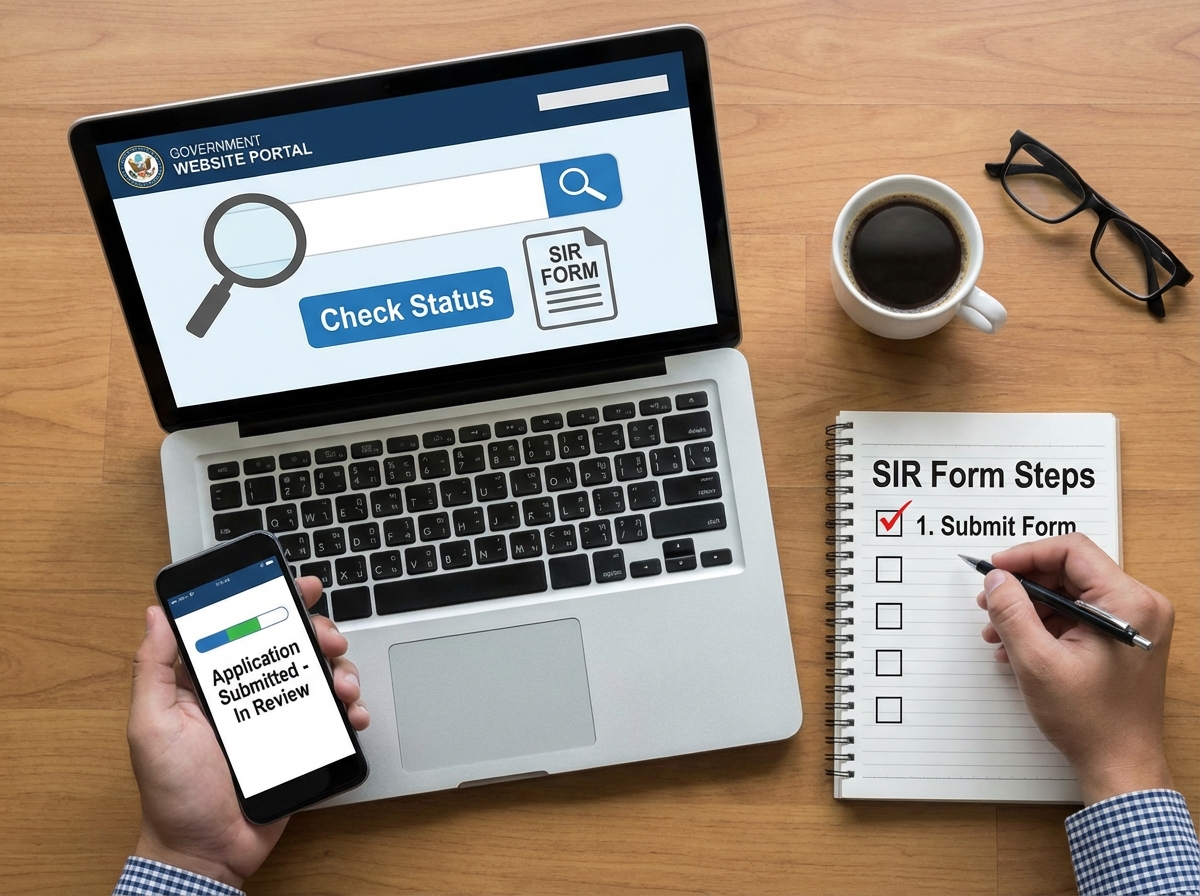
The journey of your SIR form, from submission to final status confirmation.
What is an SIR Form?
An SIR form, or enumeration form, is the document you fill out to provide your details for the electoral roll revision. This form captures essential information required to create or update your voter record, which is eventually used to generate your Elector’s Photo Identity Card (EPIC) and add you to the voters’ list.
Online vs. Offline Submission Methods
Voters can submit their forms through two primary channels. The offline method involves filling out a physical form and submitting it to your designated Booth Level Officer (BLO). The online method involves registering on the official portal and submitting your application digitally. Regardless of the method, the subsequent processing and status tracking largely occur online.
Preparing to Check Your SIR Form Status: Essential Prerequisites
Gathering Your Key Information
Before you begin, ensure you have the Application Reference Number (ARN) you received upon submitting your form. This unique number is essential for tracking your specific application.
Technical Readiness for Online Access
You will need a stable internet connection and a device such as a smartphone or computer to access the official Election Commission portal.
Step-by-Step Guide: Checking Your SIR Form Status Online
Accessing the Official Voters’ Service Portal / ECI Portal
Navigate to the official Election Commission of India website: the Voters’ Service Portal. This is the centralized hub for all voter-related services.
Navigating to the “Track Application Status” Section
Once on the portal, look for a section or tab labeled “Track Application Status.” This feature is designed specifically for this purpose.
Inputting Your Application Reference Number (ARN)
Enter your unique Application Reference Number (ARN) into the designated field. Double-check the number for accuracy before proceeding.
Reviewing Your Application Status
After submitting your ARN, the portal will display the current status of your SIR form application.
Deciphering Your SIR Form Status: What Each Stage Means
“Submitted” / “Pending”
This initial status confirms that the Election Commission has successfully received your application. It is now in the queue for processing.
“Under Process” / “Awaiting BLO Verification”
Your application has been assigned to a Booth Level Officer (BLO) for field verification. The BLO will verify the details provided in your form.
“Approved”
Congratulations! Your application has been verified and accepted. Your details will be included in the next update of the electoral roll.
“Rejected” / “Disposed of”
Your application was not approved. The portal may provide a reason for the rejection, such as incorrect information or duplicate entries.
Troubleshooting Common Issues When Checking SIR Form Status
Application Reference Number (ARN) Not Found
If the portal cannot find your ARN, verify that you have entered it correctly. Delays in data entry from offline form uploads can also cause this issue.
Status Not Updating for an Extended Period
Processing times can vary. If your status remains unchanged for a long time, consider contacting your area’s Booth Level Officer for an update.
Difficulty with Login or Sign Up on the Voters’ Service Portal
If you face issues with login or the Sign Up process, use the “Forgot Password” feature or ensure you are using the correct registered mobile number. For new users, the Sign Up process is straightforward and necessary to access most portal services.
Conclusion
Checking your SIR form status is a simple yet vital step in ensuring your participation in the democratic process. By using the official Voters’ Service Portal, you can stay informed about your application’s journey from submission to approval. This proactive approach helps maintain accurate electoral data and guarantees that your voice is ready to be heard. Regularly monitor your status and, if needed, contact your Booth Level Officer to resolve any issues, ensuring your details are correctly reflected in the final Voters list.